How to Change the Hotkeys?
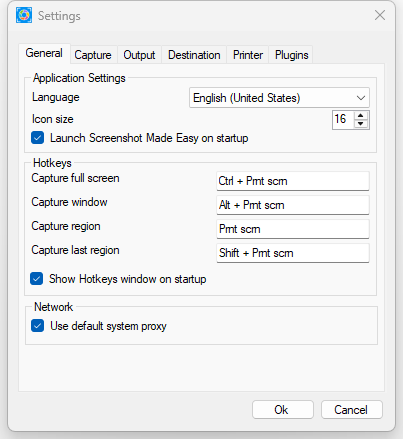
To change the hotkeys, right-click the Screenshot Made Easy icon in the notification area (bottom-right corner of the screen) and select Preferences. In the Settings window, you can customize the hotkeys.
How to Edit a Screenshot Image?
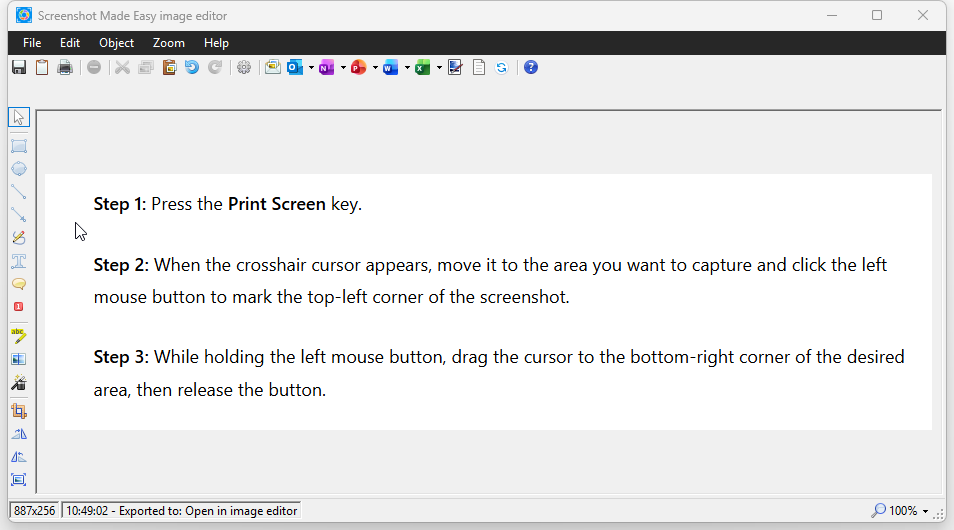
After capturing a screenshot, select Open in Image Editor from the displayed menu. The app will open the screenshot in the built-in Image Editor, where you can use the available tools to edit the image. Once you’re satisfied, you can save it or send it to other destinations.