How to Use APK Manager to Install, Uninstall, Launch, and Stop Android Apps?
APK Installer and Manager includes an APK manager that allows you to install, uninstall, launch, and stop Android apps.
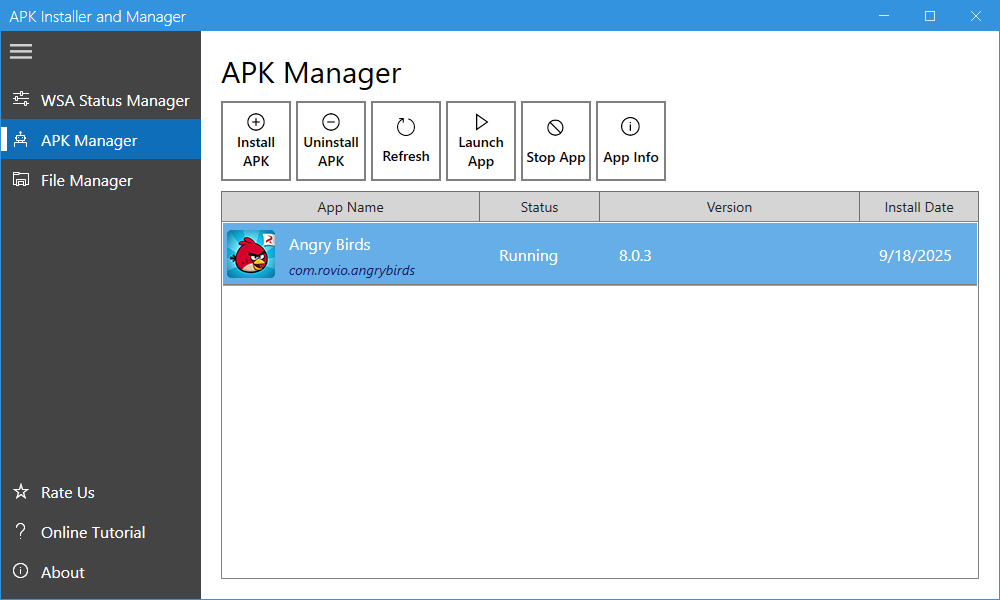
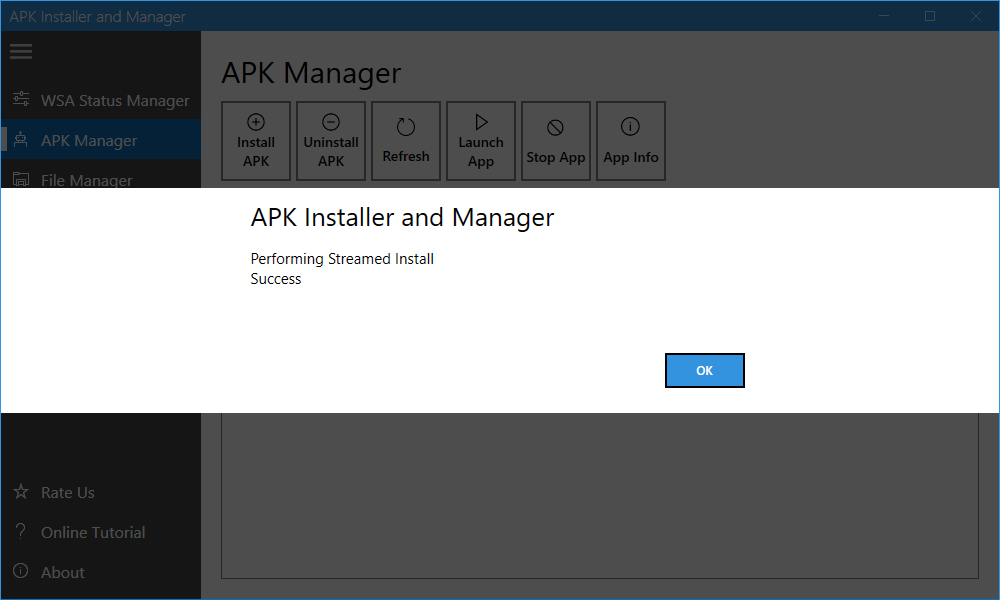
Install: Click the “Install APK” button, select the APK file you want to install, and wait for the process to complete. A response message will appear to confirm the installation result.
Uninstall: Select an Android app and click the “Uninstall APK” button. Click “Yes” to confirm, then wait for the process to complete. A response message will appear to confirm the uninstallation result.
Launch: Select an Android app and click the “Launch App” button.
Stop: Select an Android app and click the “Stop App” button.