PPTX View PLUS Online Tutorial
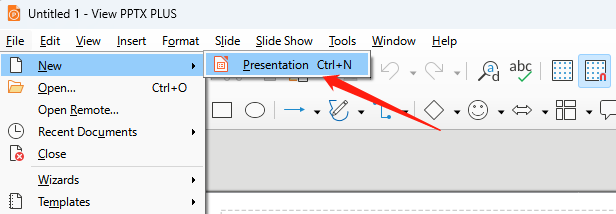
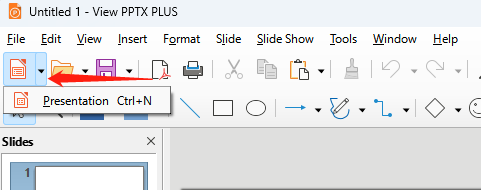
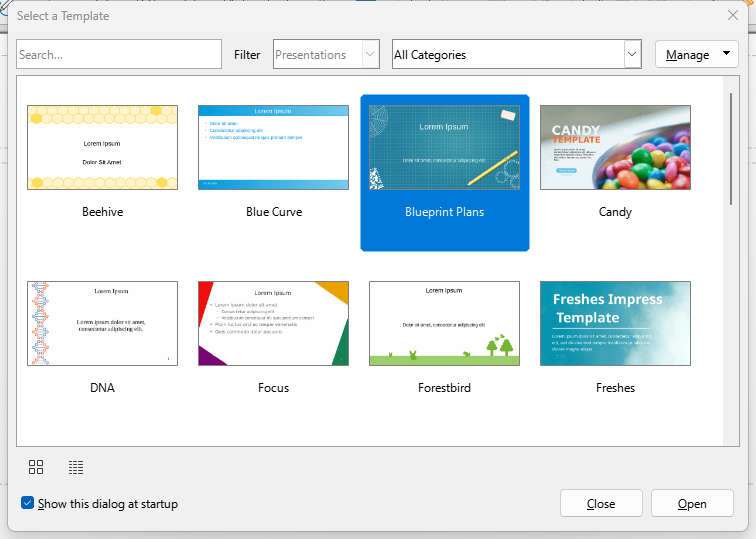
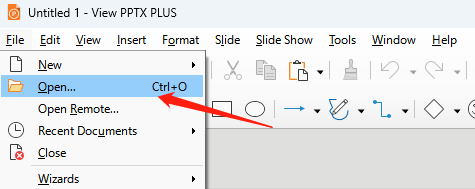
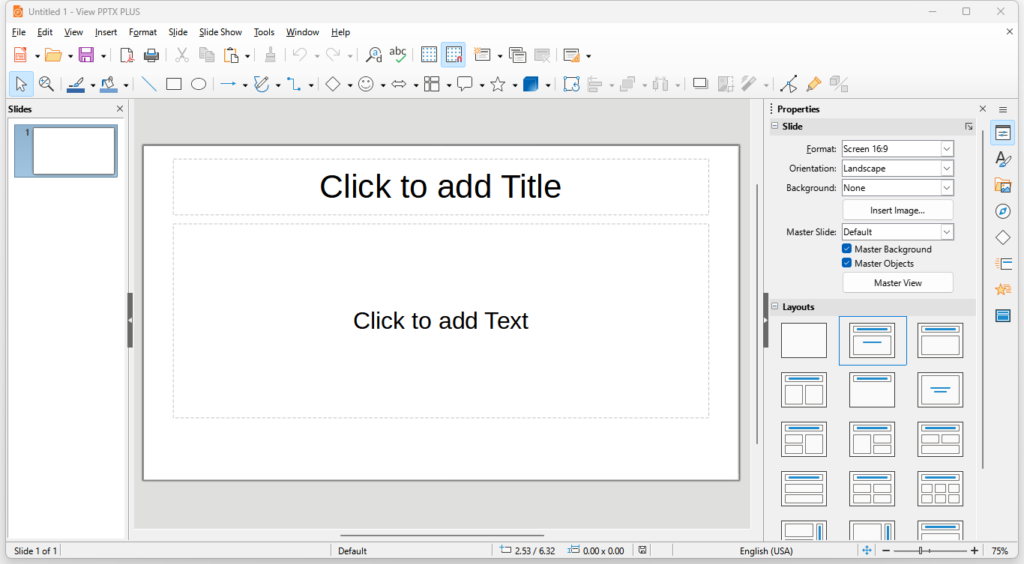
This is a simple tutorial for PPTX View PLUS (previously View PPTX PLUS) users. It covers the following topics: supported formats, compatibility, starting new documents, opening existing documents, changing presentation templates, saving documents, password protection, closing the app, printing documents, and exporting to PDF.
With PPTX View PLUS, you can not only create, edit and play PowerPoint presentation documents (.pptx and .ppt) directly, but also open many more common presentation document formats (.odp, .sxi, .uop, .sdd and etc.).
Note: Screenshots show the previous product name, but feature functionality is unchanged.
Compatibility
PPTX View PLUS is totally compatible with Microsoft Office and OpenOffice.
Support Formats
.odp, .otp, .odg, .sxi, .sti, .sxd, .fodp, .xml, .uop, .uof, .pptx, .ppsx, .potx, .potm, .ppt, .dps, .pps, .pot, .dpt, .cgm, .pptx, .pptm, .key, .cwk, .sdd