Ithmb Viewer PLUS Online Tutorial

Ithmb Viewer PLUS is an image viewer that can open Ithmb files as well as other common image file formats.  It also enables you to convert Ithmb images to other formats.

Sponsored Links

In this quick-start guide, we cover the following topics: what image formats are supported? how to open Ithmb files? how to quickly browse next/previous frame in an Ithmb file? how to convert Ithmb to JPG? how to zoom in, out and rotate an image?
Supported image formats

  • Apple thumbnails – .ithmb
  • Common image formats – .bmp, .gif, .jpg, .jpeg, .png, .tif, .tiff
  • Raw image formats – .arw, .cr2, .crw, .dng, .mrw, .nef, .orf, .pef, .sr2

How to Open an image?

There are three ways to open an image file in Ithmb Viewer PLUS.

Sponsored Links

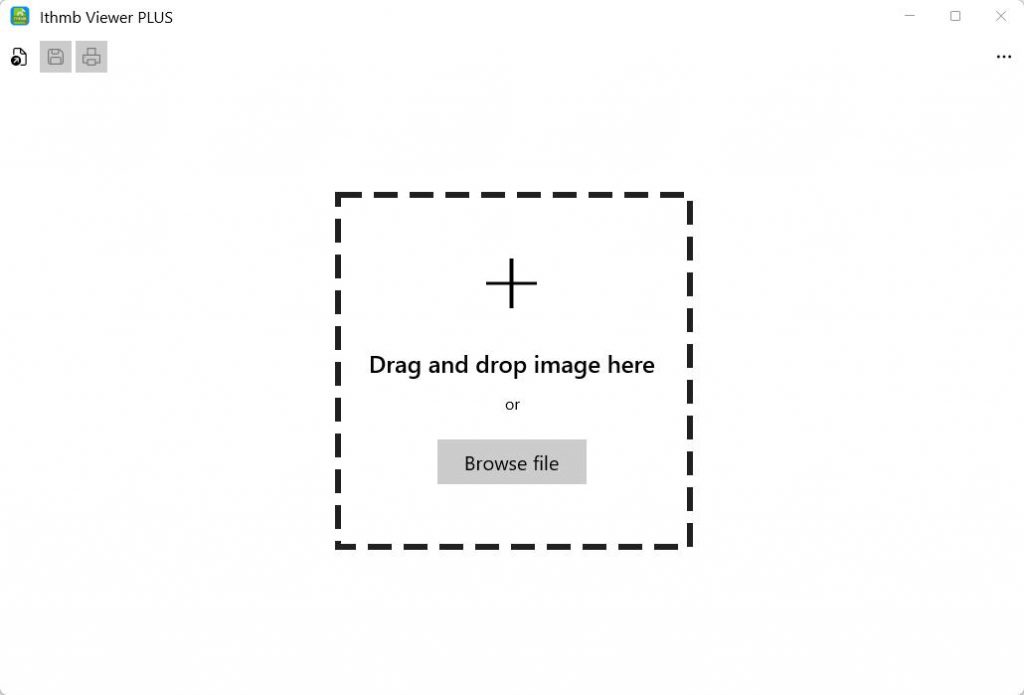
Method 1, drag the file from File Explorer and drop them into the area marked as “Drag and Drop image here” in the app.

Method 2, click the button “Browse file”, select the file, and then click the button “Open”. If you cannot find the file that you want to open, you may need to change the file type filter to “All Files (*.*)” as shown below.

Method 3, click the button “Open image” in the toolbar.

How to View Frames in a Multi-frame Image?

Ithmb format and some other image formats, such as .TIFF, may contain multiple frames in one file. There are two methods to view these frames.

Method 1, use the button “Previous frame” and “Next frame” in the toolbar.

Method 2, use the keyboard shortcuts. Press the Up Arrow key for the previous frame and the Down Arrow key for the next frame.

How to Convert an .Ithmb File?

You can use Ithmb Viewer PLUS to convert an Ithmb file to another image format. 

Sponsored Links

1, open the Ithmb file

2, click the button “Save as” in the toolbar, and save it as a different image format. The supported output formats include .JPG, .PNG, .BMP and .JPEG.

How to zoom in, out and rotate an image?

With an image open in the app, you can zoom in, out and rotate it by clicking the buttons in the toolbar. 

Sponsored Links

E-mail Support

If you have any further questions or feed-backs about the app, please feel free to reach us by email. We are here to listen and help.